01
Place the code
Download a crisp QR and add it to a package, shelf, tag, or label.
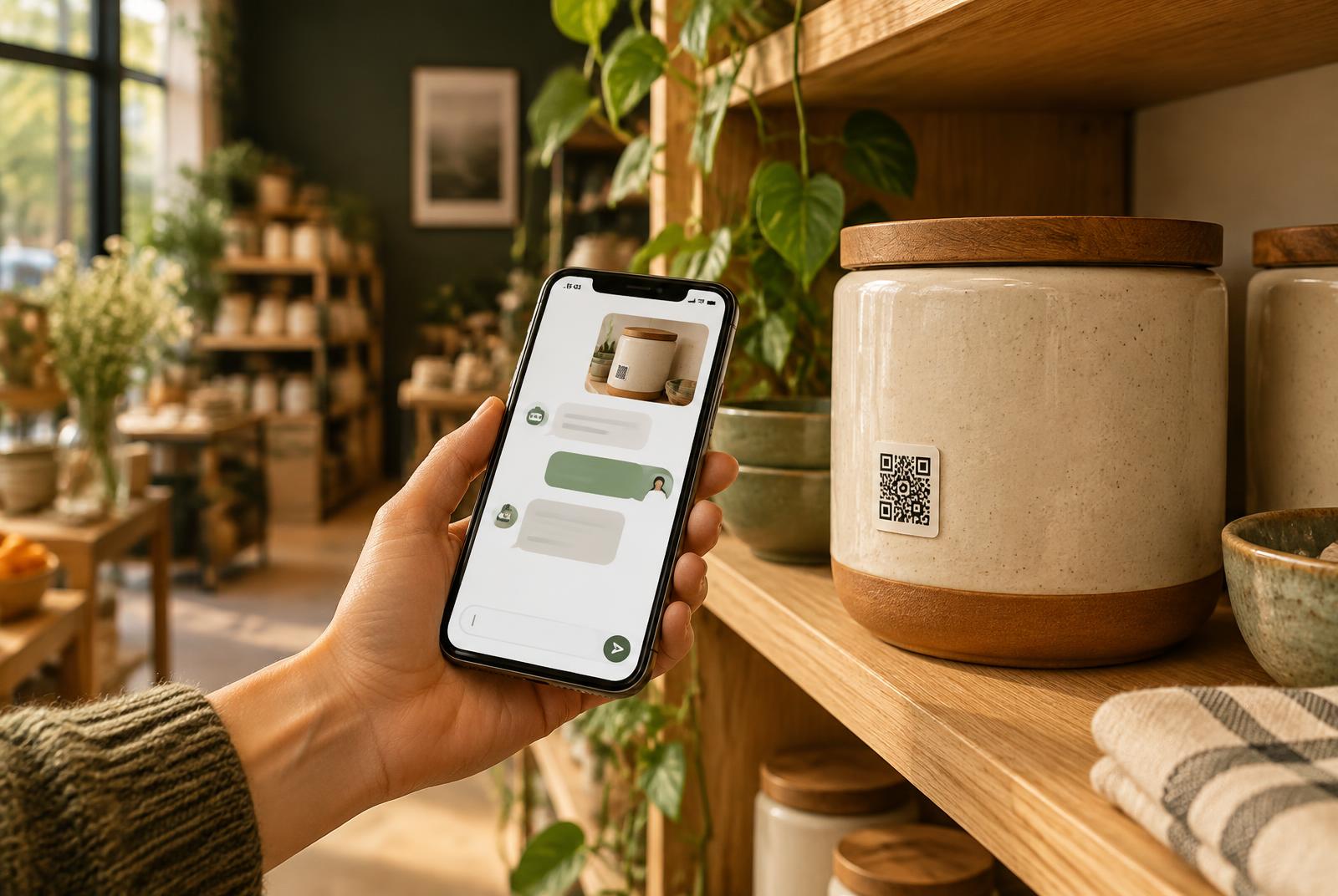
Smart product QR
Every product answers questions — typed or spoken.
Scan. Ask. Listen.
How it works
No app. No shopper sign-in. The product page opens instantly in the phone browser and is ready for a question.
Download a crisp QR and add it to a package, shelf, tag, or label.
Shoppers type a question or tap the microphone and say it out loud.
A trusted answer appears immediately and can be read aloud with one tap.
Built for real questions
Clear answers
Add materials, care, warranty, ingredients, sizing, or anything else shoppers need to know.
Show, don’t just tell
A care label, detail shot, or instruction image can open full screen when a shopper needs it.
Learn from shoppers
See what shoppers still need, add the answer once, and make the next conversation better.
Start strong
Add up to ten helpful questions when you create a product. Real shopper questions are tallied and move upward over time.
Helpful on day one
Adapted by real use
Easy to keep accurate
Ready to make products easier to understand?